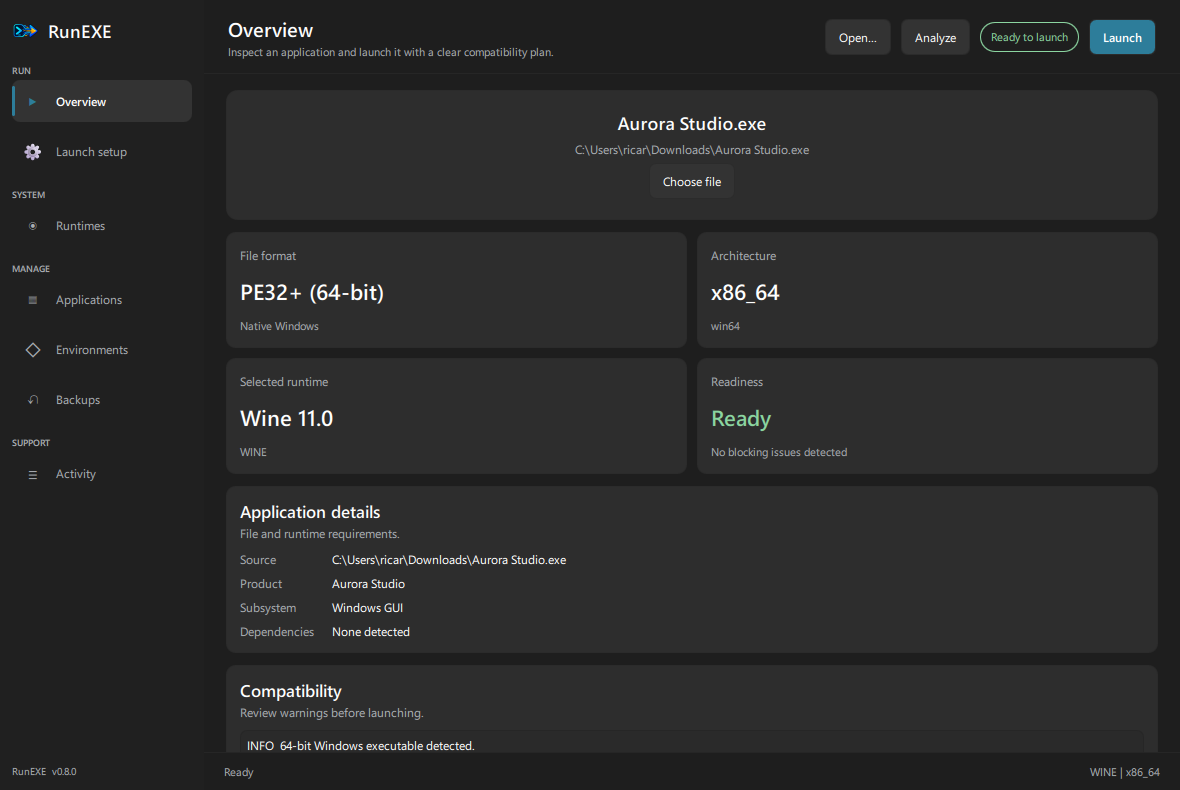
Designed for the part before “Run”
Know what an app needs before it fails.
RunEXE turns PE metadata, host capabilities, runtimes, and known Windows dependencies into a launch plan you can inspect.
01
Analyze first
Inspect architecture, imports, .NET requirements, manifests, AppX/MSIX metadata, DirectX signals, and compatibility risks without launching the executable.
$ runexe analyze paintdotnet.exe
Architecturex86_64
RuntimeWine · Windows 10
Dependency.NET Framework 4.7.2
ReadinessActionable report ready
02
Choose the runtime
Games can prefer Proton while regular apps prefer Wine. Override the decision whenever you know better.
03
Keep apps separated
Managed prefixes, backups, runtime settings, and per-app launch presets stay isolated instead of becoming one fragile global setup.
04
Debug with context
Live process output, host diagnostics, Vulkan checks, dependency guidance, and exportable support reports keep failures understandable.